Prepare product information
Import product information from Excel, CSV and text files, and images from image files.
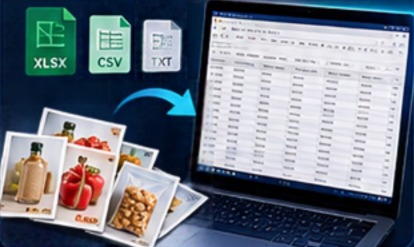
Turn your data into beautiful catalogs and brochures in just a few steps.
Once you have created your design, you can modify prices, product names, discounts, and descriptions whenever you wish, and prepare a new catalog or brochure in minutes.
Import product information from Excel, CSV and text files, and images from image files.
Automatically match product images with relevant items.
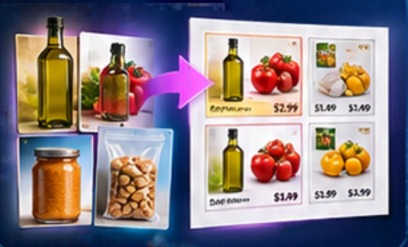
Create catalog and brochure files in PDF or PowerPoint format.
 • PPTX output can be edited again in other programs
Prepare your product data, link local images, review the layout and export the result.
Gather product images in a folder. Give each image the full name that identifies its product.
Remove the backgrounds from product images. In a few clicks, turn all or selected images in the folder into a product list. Use the sample Excel file to add prices and descriptions.
Choose a catalog or brochure layout; review text, images and prices. Configure page settings and optionally add your company logo.
Generate PDF or PowerPoint files and distribute them through your preferred channels.
Independent grocery stores, wholesalers, restaurants, retailers, sales teams and other businesses that regularly communicate products and offers.
Y42V helps prepare documents. Product accuracy, publication decisions and distribution remain under your control.
See download options →